
Sharing
If you have the appropriate user rights, you can share graphs, charts, presentations, dashboards, and reports with other users or user groups. To do this, click the share icon (a triangle with three connected circles) in the relevant section.
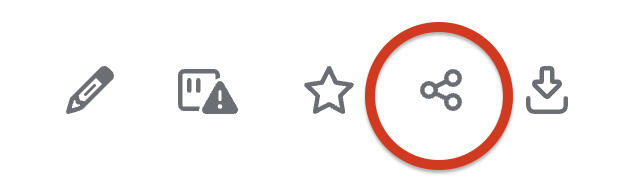
Clicking the icon opens a sharing window. While this example shows how to share a chart, the process is the same for all other sections.
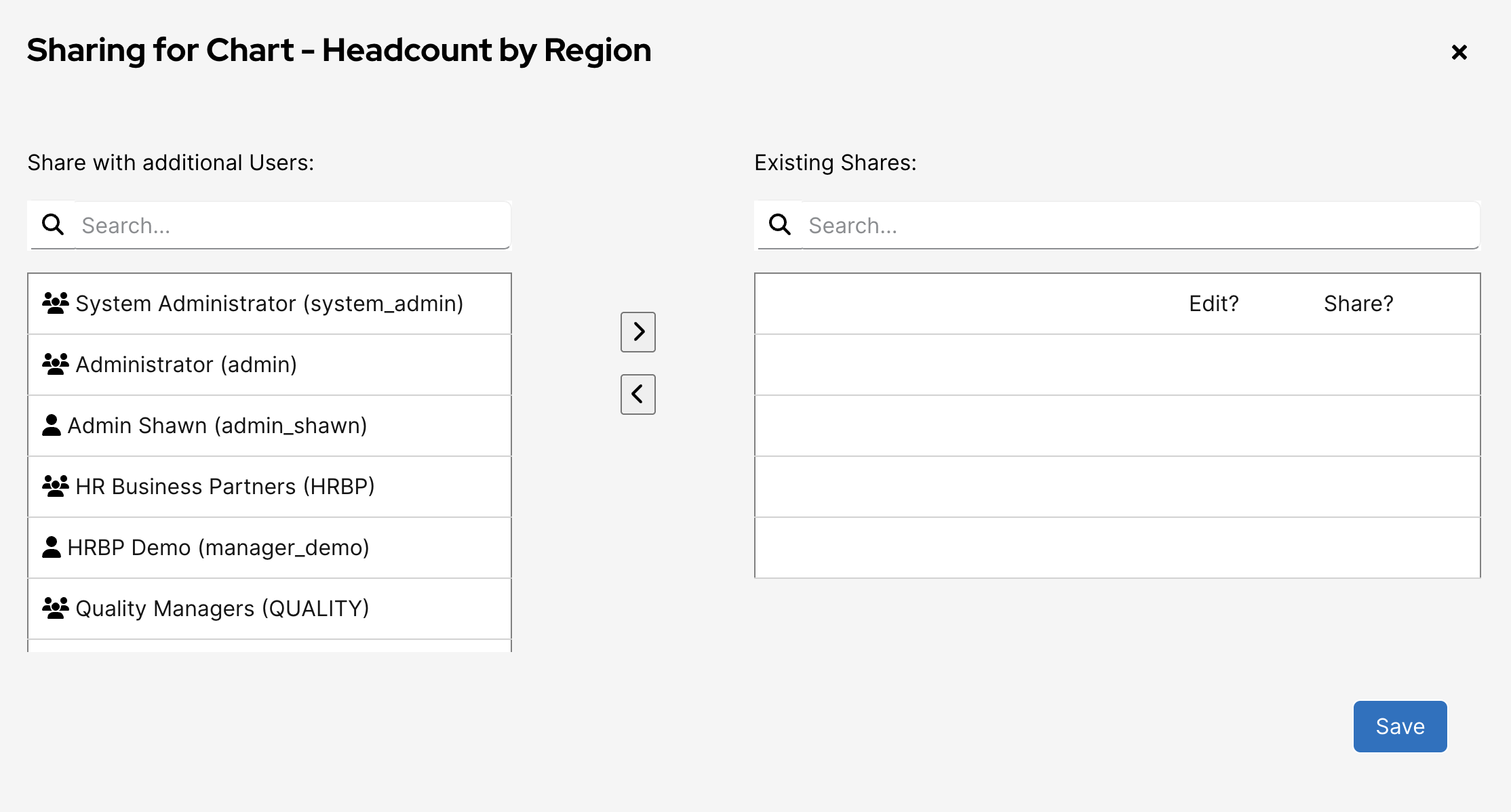
In the sharing window, you’ll see a list of users or groups the item is currently shared with. To share with a new user or group, select their name from the left-hand menu and click the right arrow to add them. Click Save to confirm the changes. To remove a user or group, select them from the right-hand menu and click the left arrow to move them back.
No Comments