
Building a Presentation
Building a Presentation
Similar to the dashboards, you can select and drag charts, tables, text files, and images from the right side navigation menu onto the presentation grid. To add them, simply click and drag the widget onto the grid
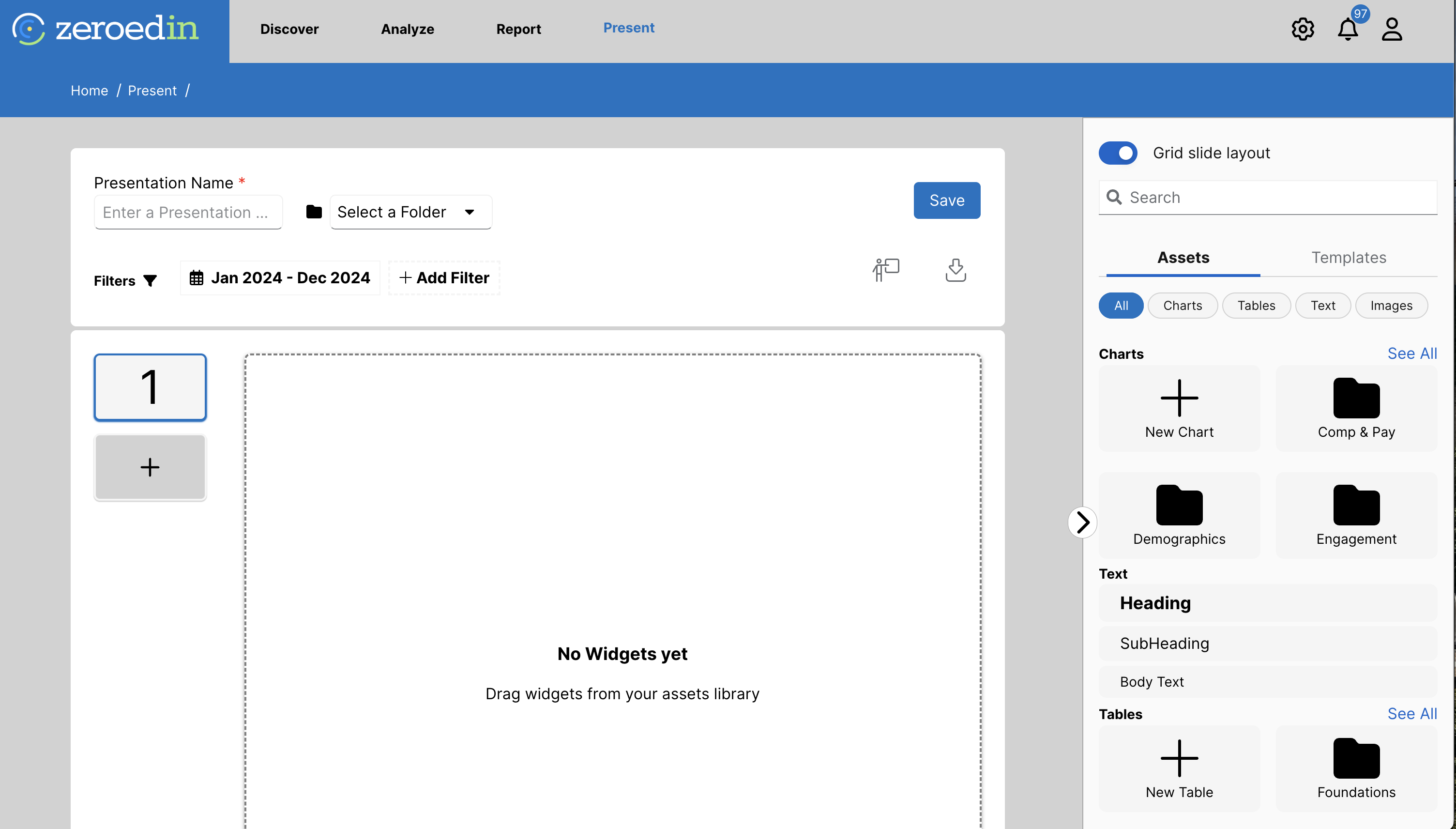
To move a widget, click anywhere on the widget and drag it to the desired spot.
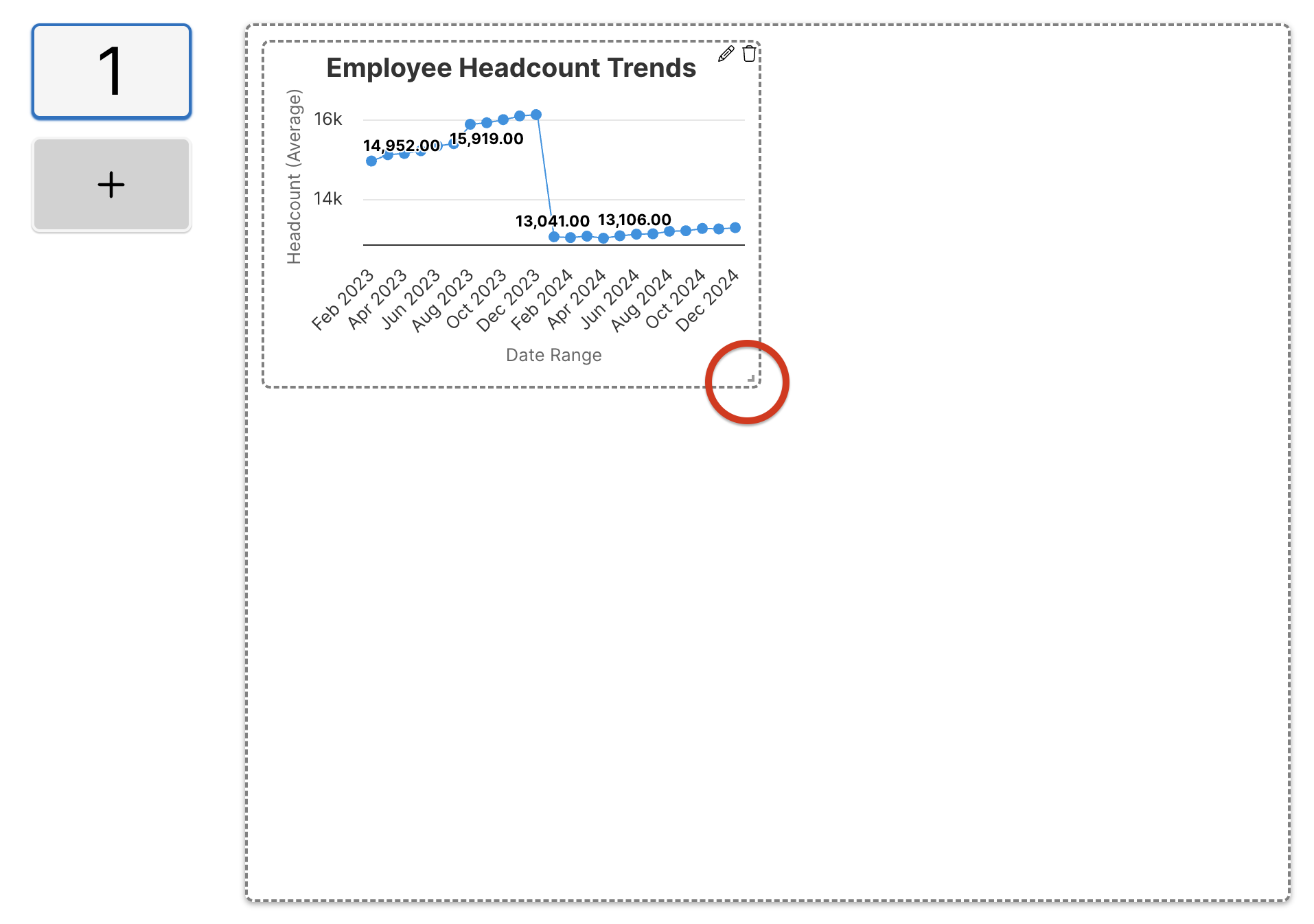
To resize a widget after adding a widget to the presentation, you can select the bottom left corner and drag it to the selected size.
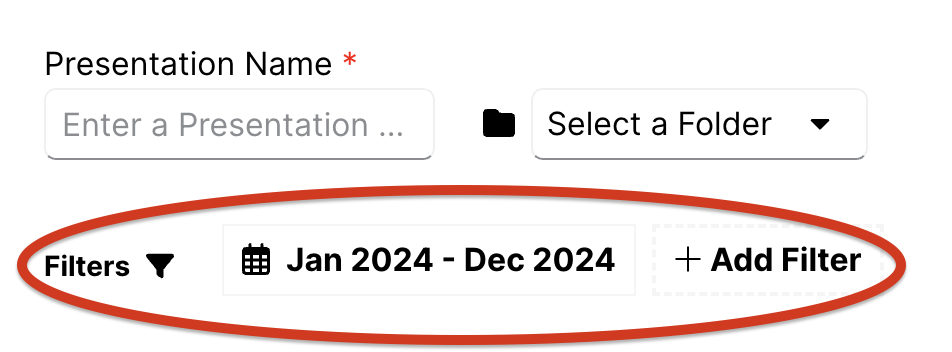
You can also adjust the calendar control and apply global filters to the data being displayed on the presentation. To adjust these, select the time period or + Add Filter in the top left corner.
No Comments