Configuring Links for the Zone Settings
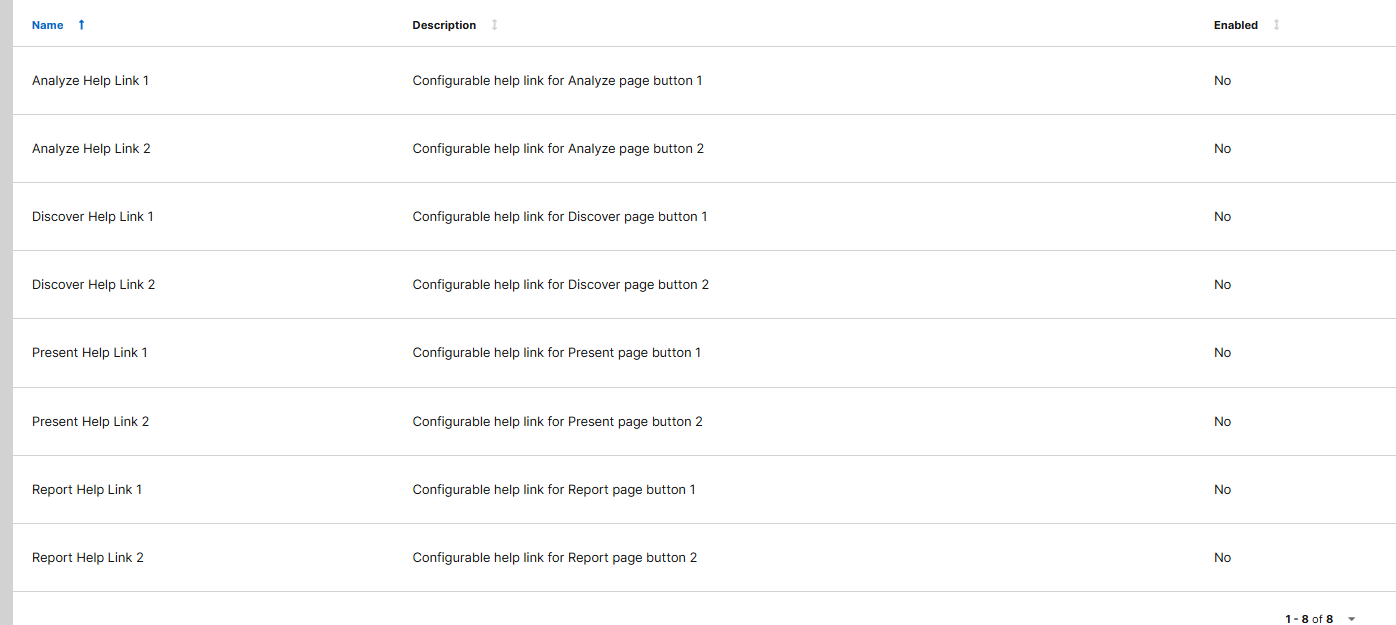
In the settings, you can add links for each page- Analyze, Discover, Report, and Present- to appear in the header.
To get started, click on the gear icon in the top-right corner to open the Setup page. Under Settings, select Zone Settings. This will display all available configurable options. The settings to focus on are:
- Analyze Help Links 1 and 2
- Discover Help Links 1 and 2
- Report Help Links 1 and 2
- Present Help Links 1 and 2