User Groups
Navigation
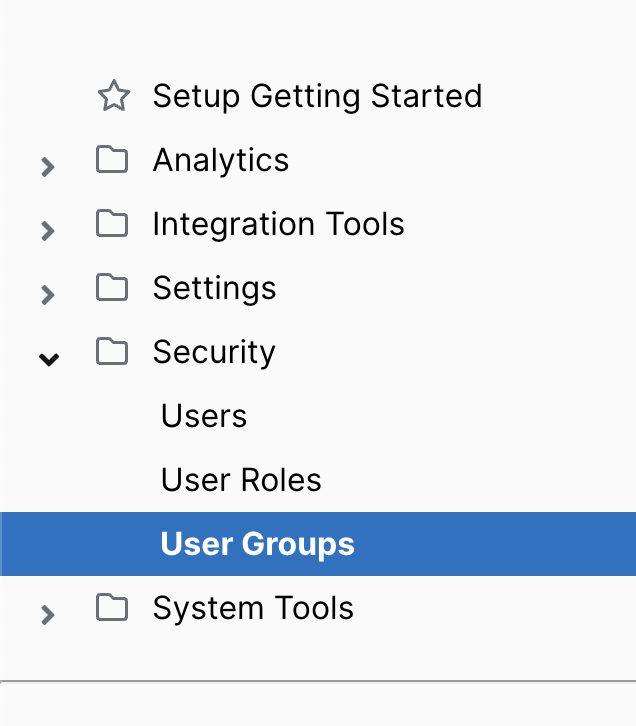
You can create user groups to assign users with varying levels of security access. To view existing groups or create new ones, go to the Setup section and select User Groups under the Security folder in the left-hand menu.
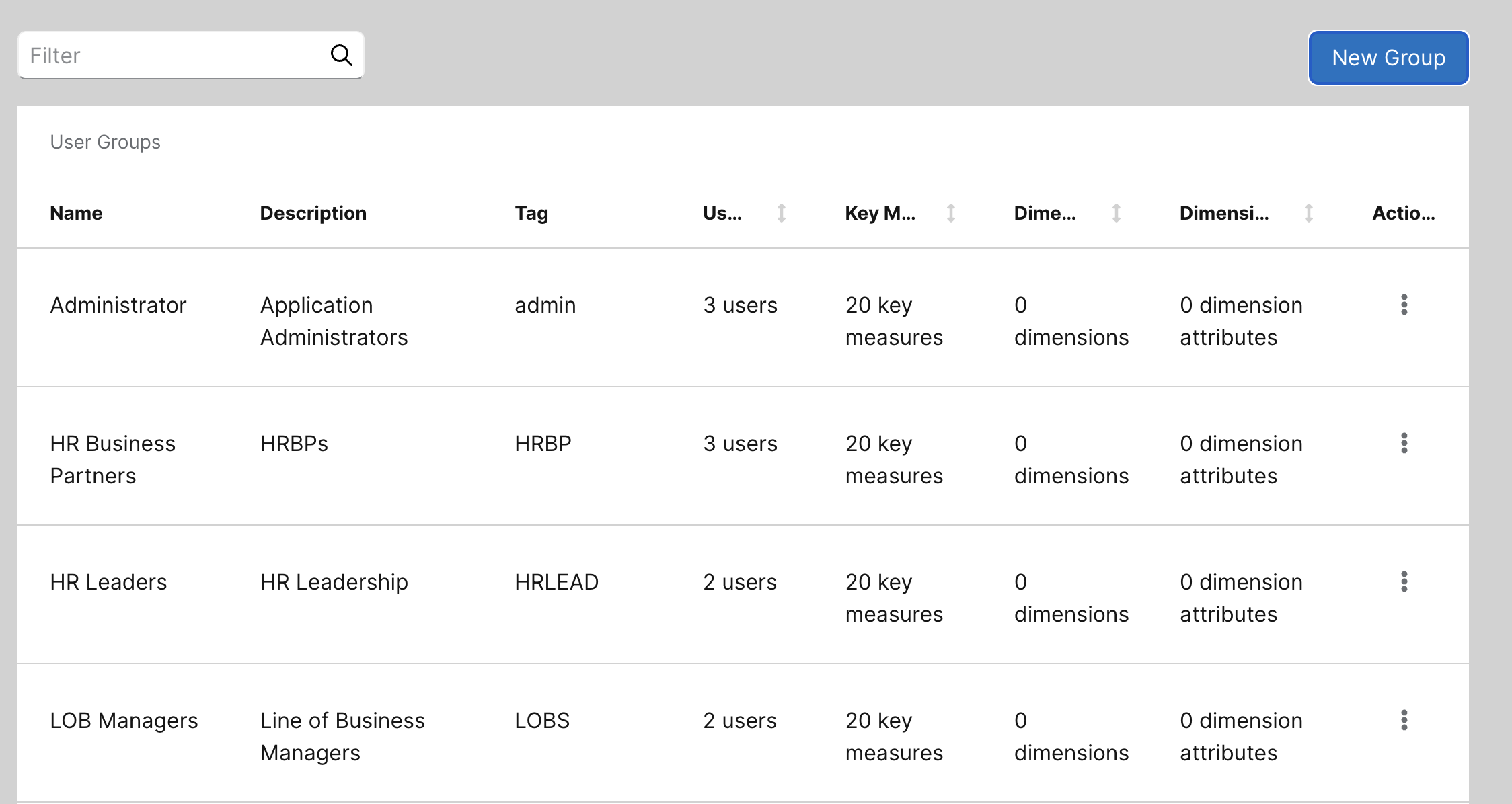
Here, you can view a list of all user groups. The list includes each group’s description, any associated tags, the total number of users, the key measures they can access, as well as any excluded dimensions and dimension attributes. Click anywhere in the row to see a more detailed view.
Creating a new User Group
Click on the New Group icon in the top right.
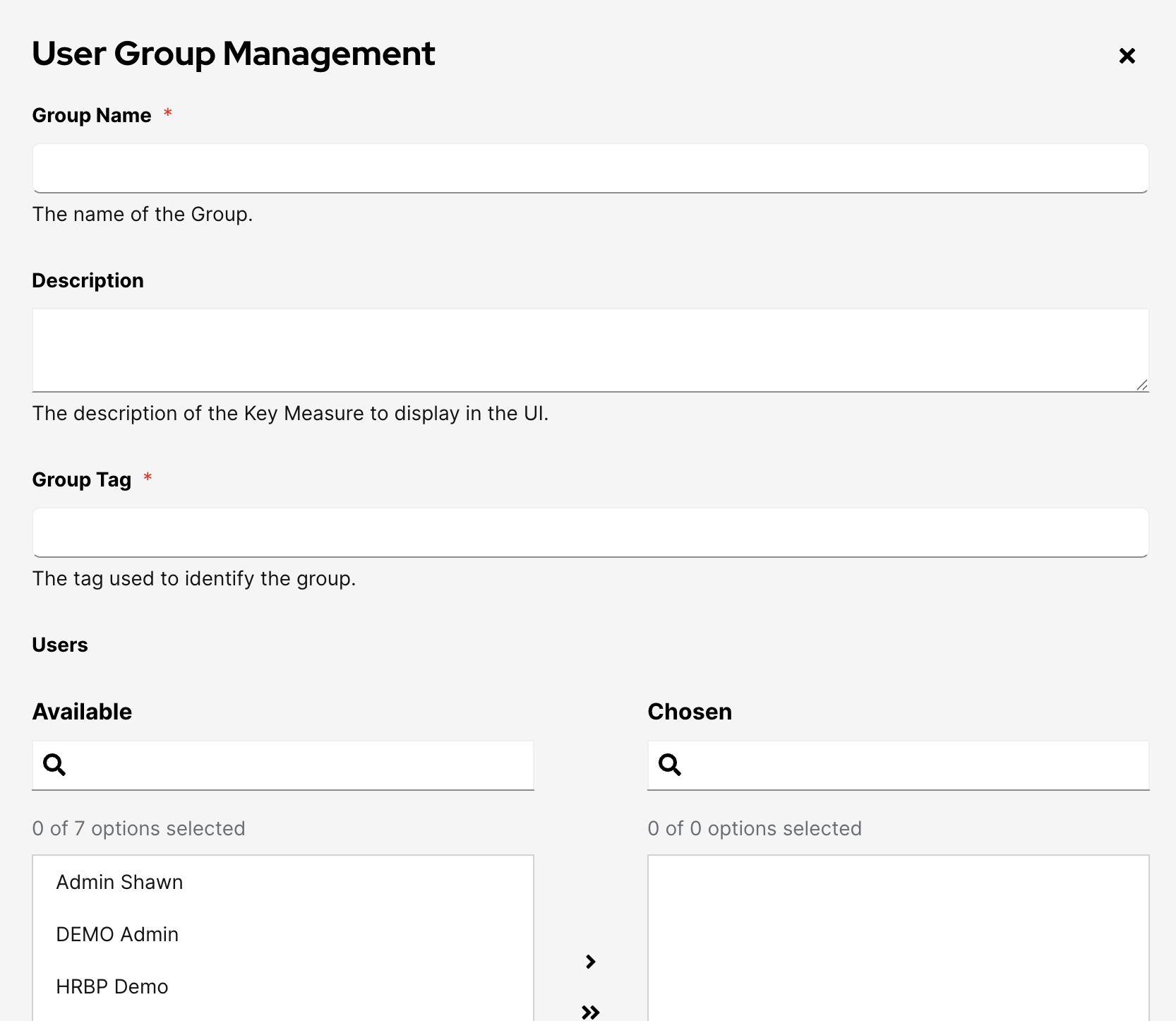
This will open up a new window where you can select the access rights for this group.