
Create Measures and Facts
In the system, numerical data is represented as Key Measures or Key Measure Facts.
- A Key Measure is a quantifiable metric that includes a series of data points, each associated with a specific date range.
- A Key Measure Fact is also a quantifiable metric tied to specific date ranges and represents the actual data points recorded for a Key Measure.
Key Measures are created based on data loaded into the system from designated Key Measure data sources.
Creating a New Key Measure
Click the gear icon in the top menu to navigate to the Setup section.

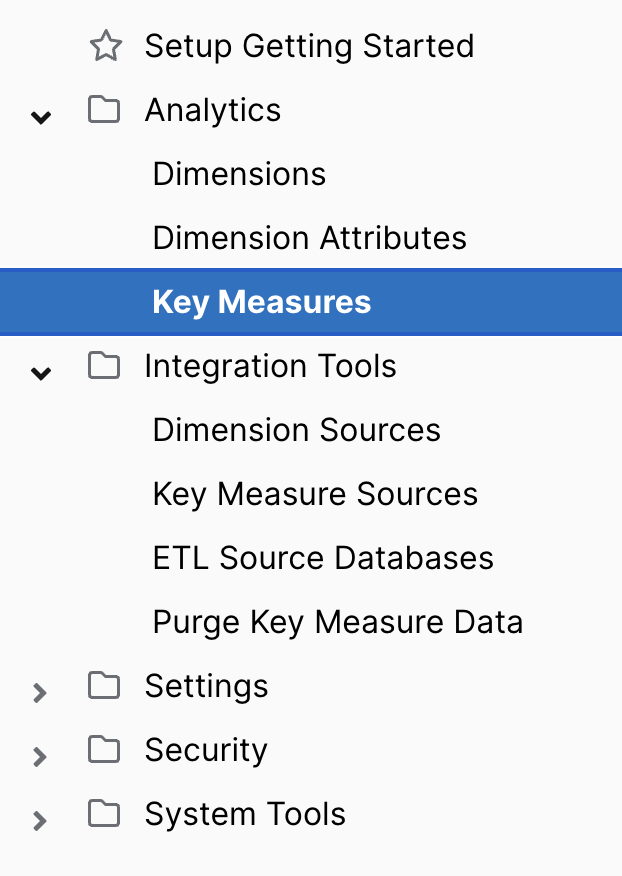
In the left-hand menu, expand Analytics and select Key Measures. You’ll now see a list of all existing Key Measures in the system.
To create a new one, click New Key Measure in the top-right corner.


